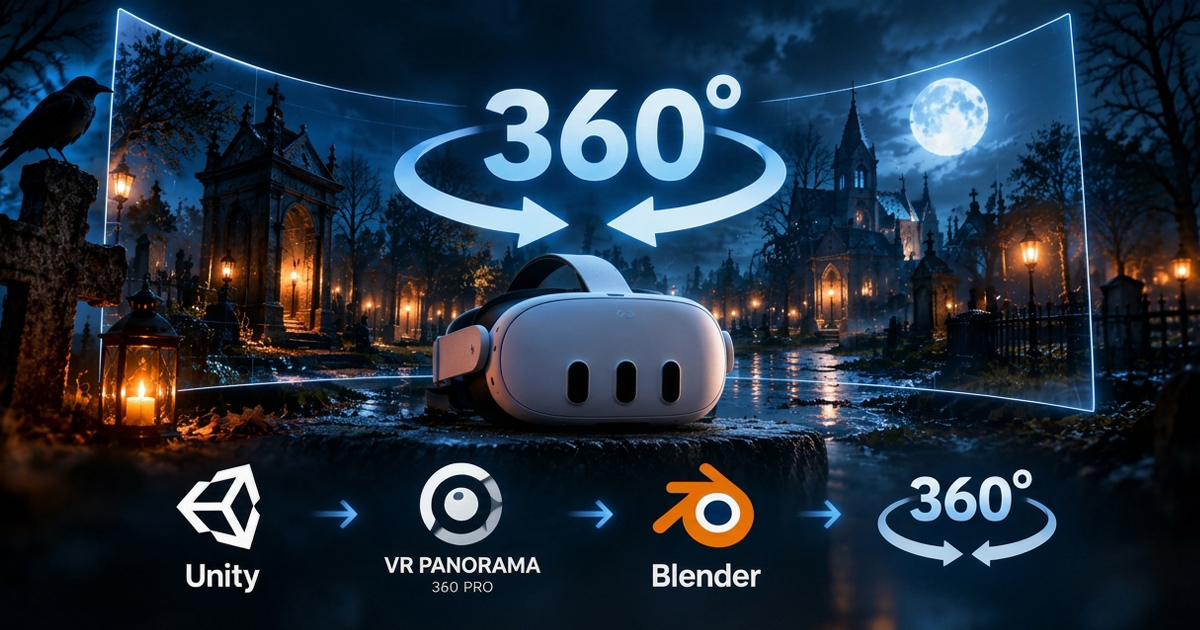
As part of the development of Ghoulstorm, I wanted to create 360° promotional videos that could be viewed on Meta Quest 3 and published on DeoVR.
I already had experience creating 360° animation shorts for DeoVR, using VR Panorama 360 PRO Renderer to capture stereoscopic Top-Bottom footage directly from Unity. The challenge was finding a practical post-production workflow that allowed me to edit the captured sequences while maintaining the same image quality.
From Unity to the final video
The capture workflow starts in Unity using VR Panorama. The source material is generated as an image sequence at:
-
-
-
-
-
- 4096 × 4096
- 30 fps
- Stereoscopic Top-Bottom
- JPG, maximum quality
- 48 kHz stereo audio
-
-
-
-
For editing, I use Blender's Video Sequencer. Using proxies at 25% makes working with these large 4096 × 4096 sequences much smoother without affecting the final output resolution.
The final video is then encoded directly from Blender using H.264.
Comparing the final output
I compared the final Blender output with a video encoded directly by VR Panorama using the same source material.
| Video | VR Panorama | Blender |
|---|---|---|
| Resolution | 4096 × 4096 | 4096 × 4096 |
| Frame rate | 30 fps | 30 fps |
| Codec | H.264 | H.264 |
| Color depth | 8-bit | 8-bit |
| Bitrate | ~40 Mbps | ~43.7 Mbps |
| Audio | AAC, 48 kHz | AAC, 48 kHz |
For Blender, the bitrate was configured at 100,000 kbps, which results in an actual bitrate of approximately 43.7 Mbps in the final file.
The visual result is very close to the original VR Panorama encoding, including in darker areas of the image.
Final Blender settings
For the final export, I use:
-
-
-
-
- 4096 × 4096
- 30 fps
- H.264
- 8-bit
- sRGB / RGB
- Constant Bitrate
- 100,000 kbps
- Minimum: 100,000 kbps
- Maximum: 100,000 kbps
- Keyframe interval: 250
- Maximum B-frames: 3
- AAC audio, 48 kHz
-
-
-
This gives me a simple workflow:
Unity → VR Panorama → Image Sequence + Audio → Blender → H.264 360° Video → DeoVR / Meta Quest 3
For Ghoulstorm, this workflow makes it possible to create promotional 360° videos directly from the game while keeping the final image quality close to the original VR Panorama output.